Opening: comparative lens on choice
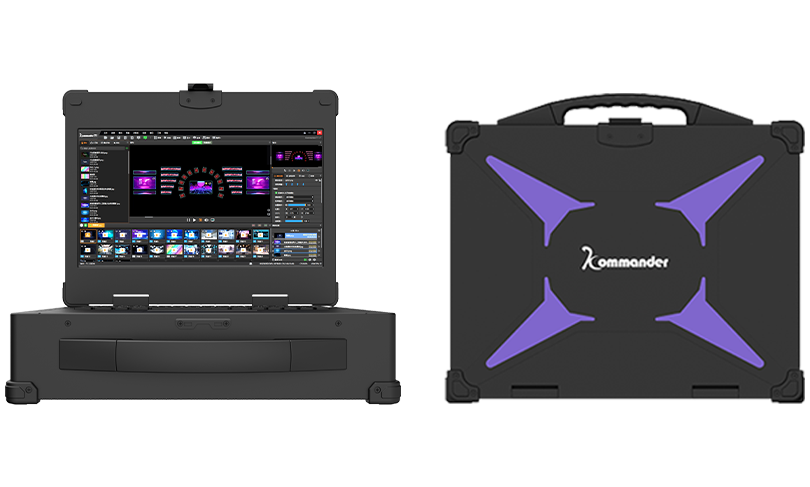
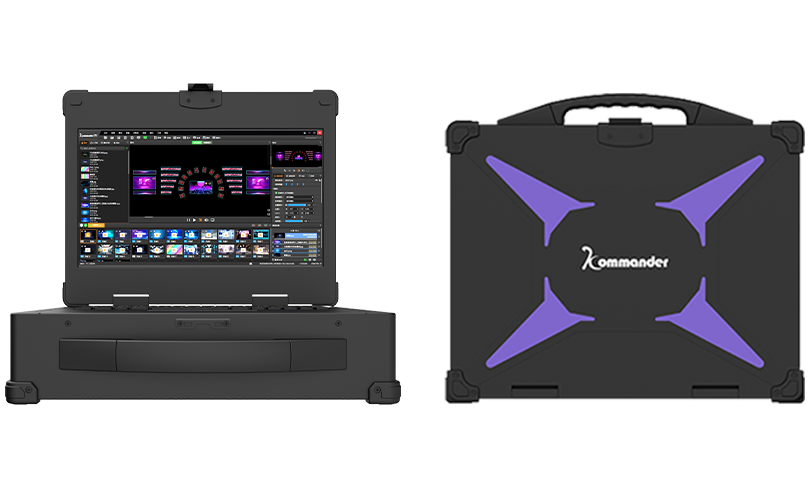
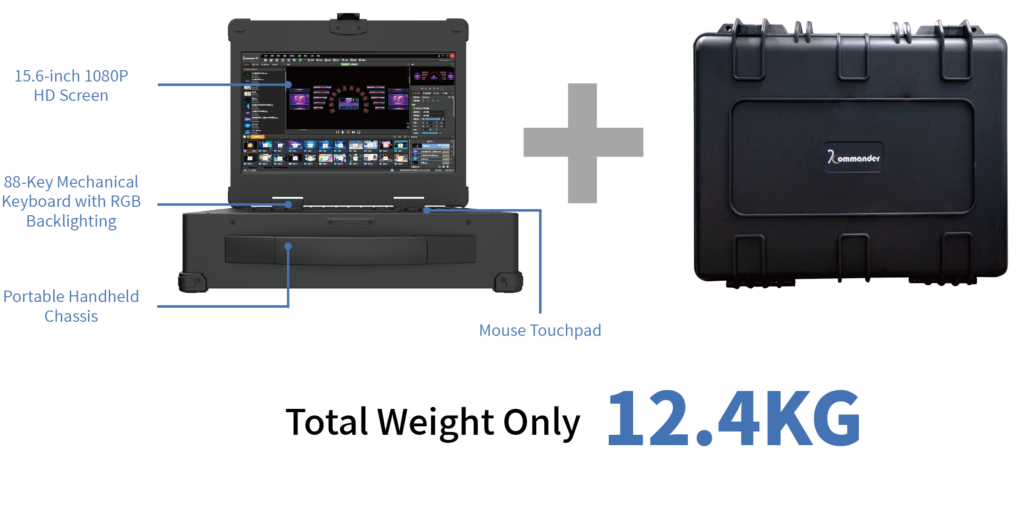
Choosing between vendors of integrated splicing processors affects more than image quality; it changes operational reliability and long-term support. This comparative insight looks at fibre-to-surface differences: hardware-centric video processors versus software-driven playback stacks. Early on, evaluate a vendor’s playback media server capabilities — for example, see how a dedicated playback media server handles multi-source inputs, frame rate conversion and real-time scaling.
Why integrated splicing processors matter
Integrated splicing processors combine signal routing, scaling, and bezel compensation into a single unit. In large venues such as stadiums and broadcast centres used during events like the 2022 FIFA World Cup, a single processor can reduce latency and ensure consistent resolution across a video wall. That centralized approach simplifies EDID management and reduces the number of failure points during live playback.
Head-to-head: architectures compared
Compare three common architectures: dedicated hardware processors, modular CPU/GPU appliances, and cloud-assisted render farms. Hardware processors typically offer predictable latency and robust scaling performance. Modular appliances provide flexibility and easier field upgrades. Cloud-assisted solutions excel at off-site rendering and redundancy but introduce predictable network dependencies. Match your architecture to your event profile — fixed-install digital signage favors hardware; rotating live production can benefit from modular designs.
Operational production teardown
When you break down a live production workflow, key items include signal routing, timing, and failover. In a typical teardown, {main_keyword} represents the physical splice and timing logic, while {variation_keyword} indicates software-managed failover and layout templates. Ensure your processor supports synchronized clocks, consistent frame rate conversion, and accurate scaling so that composited windows remain in sync across outputs.
Master-slave control and redundancy in practice
Reliable deployment needs a clear control model. Many integrators implement master slave mode so one unit governs playback timelines while secondaries mirror state and take over seamlessly. That approach reduces visible glitches when a primary node fails, but requires careful testing of state handoff and persistent storage for playlists and EDID profiles.
Common mistakes and workable fixes
Installers often overlook three recurring issues: mismatched frame rates, improper EDID configuration, and underestimated latency budgets. Fixes are straightforward. Standardize on a target frame rate early; audit EDID across the chain and lock preferred modes; measure end-to-end latency and budget for encoding, transmission and scaler delays. Small adjustments during staging prevent major disruptions on show day — and they keep client trust intact.
Practical checklist for procurement
Use this compact checklist before signing contracts: compatibility with your control system, documented latency figures, vendor support SLAs, and clear upgrade paths. Request a field demo that reproduces your expected layout and signal types. If possible, see the processor drive a comparable video wall in a live setting — real performance beats lab claims every time.
Summary and advisory metrics
Choose a vendor by measuring three critical metrics: deterministic latency (ms), sustained scaling performance (resolution and fps under load), and failover recovery time (seconds). Prioritize devices that publish verified latency and offer straightforward EDID and clocking controls. These golden rules reduce surprises during deployment and keep operations predictable.
Final thought — the right integrated splicing processor is a working tool, not a badge; it should disappear into your workflow while the content stands forward. Kystar. –