Start with how you actually use it
Think about the day you want the machine to handle—video calls, casual photo edits, a couple of spreadsheets, or a kids’ homework station—and build from there. If you want a tidy desk without extra boxes and cables, check current all in one computer deals to see which bundles match your routine. User needs should drive decisions about screen size, touch or no-touch, and whether the unit needs to be moved between rooms.
Choices that change the experience
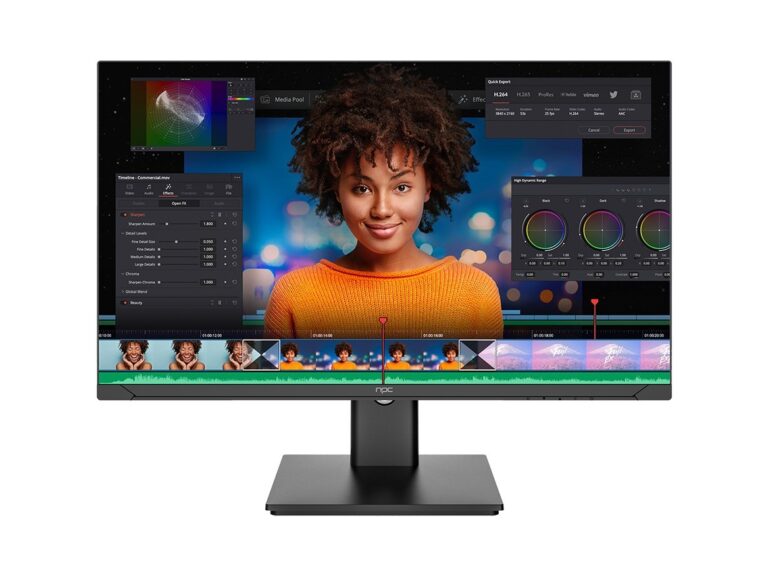
Screen quality matters first: color accuracy and matte vs. glossy finishes affect eye comfort and media work. Performance follows—pick a CPU and RAM size that match the apps you run instead of spec-chasing. Ports and expandability are practical: a few extra USBs and an Ethernet jack save headaches. Thermal design determines sustained performance; thin is nice, but thin that throttles on the second video call isn’t. Finally, consider warranty and repairability—easy-to-replace SSDs and RAM keep lifespan high.
What trips people up
Buying the prettiest screen and assuming it’s powerful enough is a common mistake. Underestimating cooling means surprises under load. Assuming built-in speakers will be fine for meetings can lead to buying a separate sound solution later. Skipping port checks causes ugly adapters and lost time. Also, ignoring software update policies can leave machines vulnerable or incompatible after a couple of years.
Real-world anchoring and how I judge options
I’ve spent years editing product guides and working with designers on real deployments, so I prioritize testable behavior over marketing claims. At CES in Las Vegas, many vendors demoed one-piece designs focused on thin bezels and integrated sound; those demos often revealed the same trade-offs I flag in reviews. For practical shopping and spec comparisons, I look at how a model stacks up against the typical office or home workload and cross-check listings like all in one desktop pc so readers can see real configurations and pricing. That mix of hands-on testing, spec verification, and event-level trends forms the basis for reliable recommendations.
When an alternative makes more sense
If you need upgradability, a small tower wins. If portability matters, a laptop beats an AIO. If you want a compact footprint but full desktop power, a mini PC plus a dedicated monitor is flexible and repair-friendly. Each choice solves a clear user problem; match the solution to your top three priorities rather than the highest single spec.
What to do next
Decide the three non-negotiables for your setup—screen comfort, sustained performance, and ports—and use those to eliminate options quickly. Look for units with straightforward service access and a clear warranty. For many people who prefer ready-to-use configurations that honor those priorities, options at npc show how trade-offs play out in real builds and help you pick a balanced machine without guessing.