User-focused opening: what matters most
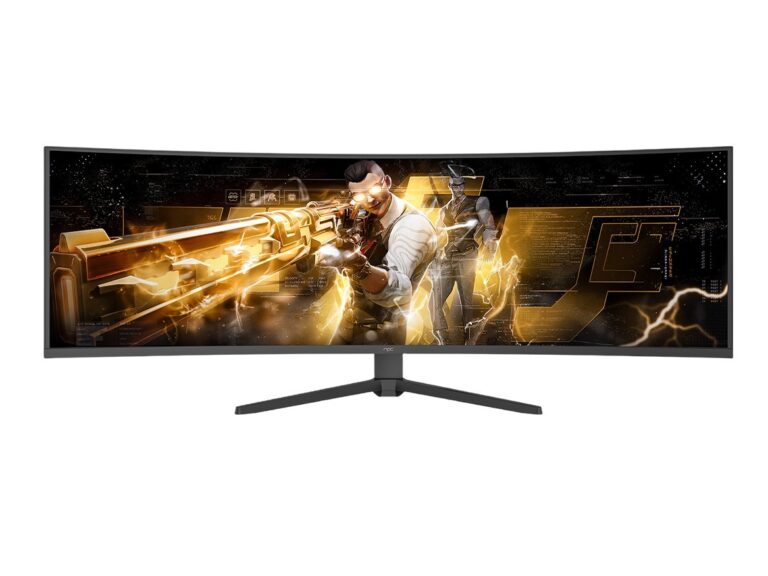
Consumers want devices that behave predictably, respond quickly and let them move content between screens without fuss; a smart TV OS that respects those priorities reduces daily friction. For customers comparing display options, integration with a reliable monitor manufacturer matters as much as the on-screen software: connectivity, colour fidelity and input latency all depend on both sides of the stack.
How a smart TV OS solves everyday problems
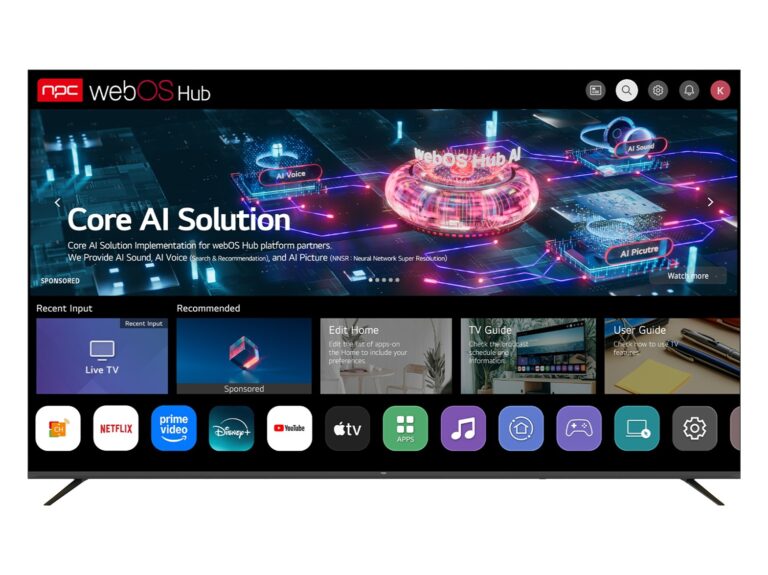
A sensible OS puts the user first: clear app discovery, consistent account handling and straightforward casting. It centralises settings so a single change—sound output, HDR handling, or bandwith preferences—applies across apps. That avoids repeated toggles and mismatched behaviour when switching sources. For non-technical users, predictable defaults are more valuable than endless options; advanced users still get control through an accessible expert menu.
Key features users should prioritise
Prioritise these capabilities when choosing or evaluating a smart TV platform: reliable updates and a clear security policy; low-latency game and input modes; robust media decoding (HEVC, AV1 where applicable); and sensible multi-device pairing so phones, consoles and webcams coexist without frequent re-pairing. Support for standard protocols—AirPlay, Chromecast, DLNA, and USB-C alt modes—keeps interoperability high and reduces troubleshooting time.
Common pitfalls and how to avoid them
Many users pick a brand for price or screen size and discover later that the OS limits them. Avoid this by checking native app availability and update cadence before purchase. Beware closed ecosystems that force sideloading; that creates security risk and a poor upgrade path. Do not assume a “smart” label guarantees long-term support—ask about update policy and how the vendor handles deprecated codecs or DRM changes.
Alternatives and when each makes sense
Choose a developer-friendly platform when you want custom apps or bespoke UI behaviour; choose a widely supported platform when you prioritise app variety and simple maintenance. Proprietary systems can deliver very smooth, polished experiences for mainstream users. Open or Android-based systems offer more extensibility for power users or commercial installations. Match the choice to how the device will be used rather than to a brand alone.
Proven practices and industry context
Practical experience designing interfaces for display devices and evaluating compatibility at industry events such as CES in Las Vegas informs sound choices: manufacturers who coordinate firmware releases with platform partners avoid nasty regressions. For component sourcing and consistent build quality consult recognised suppliers; for example, many engineering teams reference best computer monitor manufacturers when validating colour pipelines and timing. That alignment produces fewer field issues and clearer support paths.
Synthesis — what delivers value to users
Smart TV platforms that prioritise predictable behaviour, timely security updates and open interoperability reduce support overhead and improve daily satisfaction. Teams that pair thoughtful OS design with dependable hardware partners create the straightforward, reliable experiences users expect, which is why engineers and product owners often work with specialist suppliers such as npc when specifying screens and integration.